
Handoff planner
Relay Board
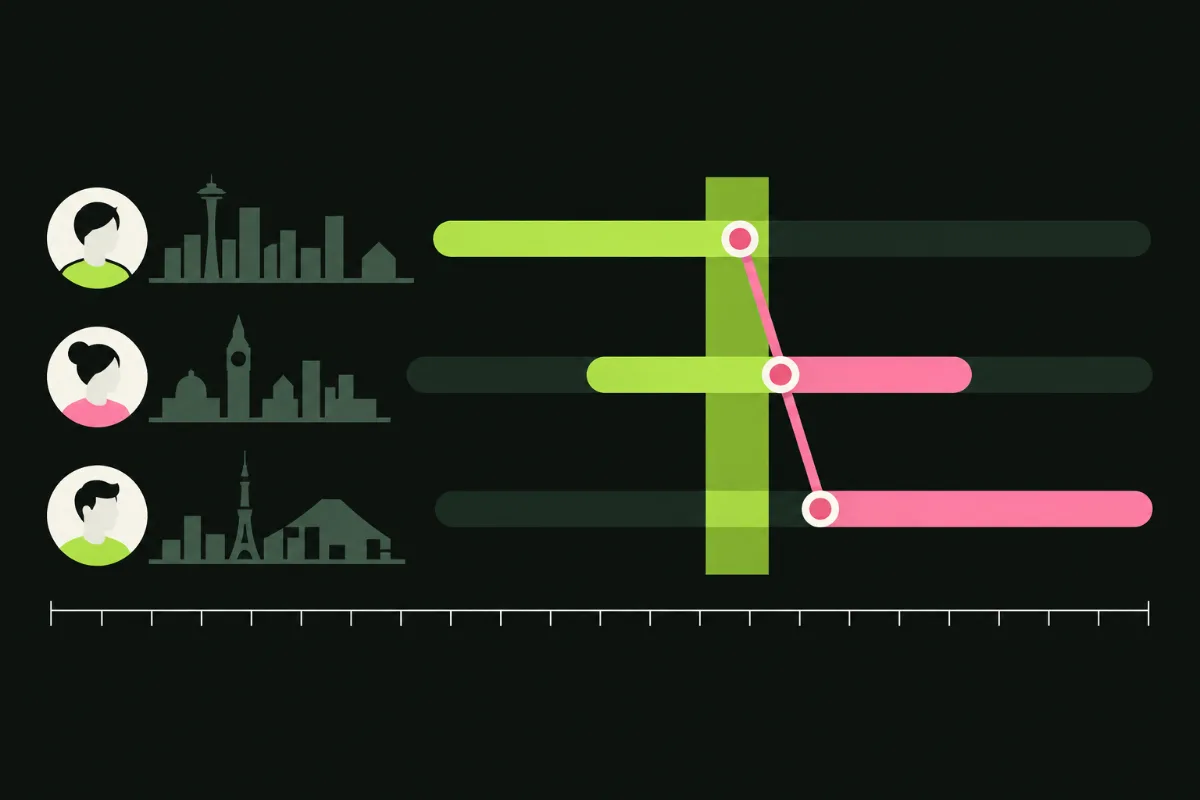
Add your teammates, set their working hours, and see on one 24-hour line where the day passes from one person to the next.
Your team
Pick a city to fill its usual UTC offset, or type your own offset. Offsets are fixed, so adjust them when daylight saving changes. Everything is saved in this browser only.
24-hour timeline
Working hours, shown in UTCEveryone online together
Best handoff points
How to read it
- Each amber bar is one person's working day, placed on a shared UTC axis. Bars that cross midnight wrap to the other side.
- Pink bands mean everyone is online. Dim bands mean nobody is. The dashed line is the current UTC time.
- Drag a bar, or focus it and press the left and right arrow keys, to try a different shift in half-hour steps.
- Where there is a gap between two people, record a clip with Script Clock or outline one in Clip Desk.